Switch to another workspace
Move between the workspaces you belong to, for example between your own organization and a client you write for. A picture for every step.
Last updated Nov 20, 2026
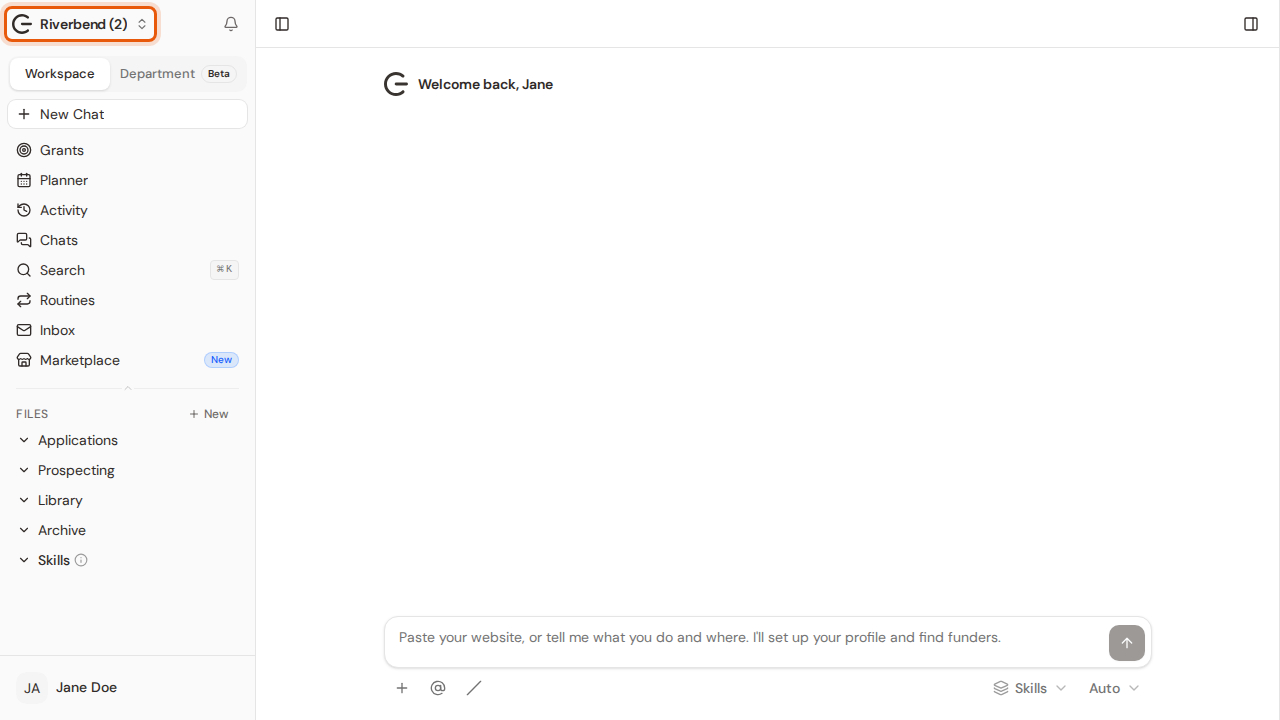
Step 1:Click the workspace name at the top of the sidebar. Switch workspace in your account menu does the same.
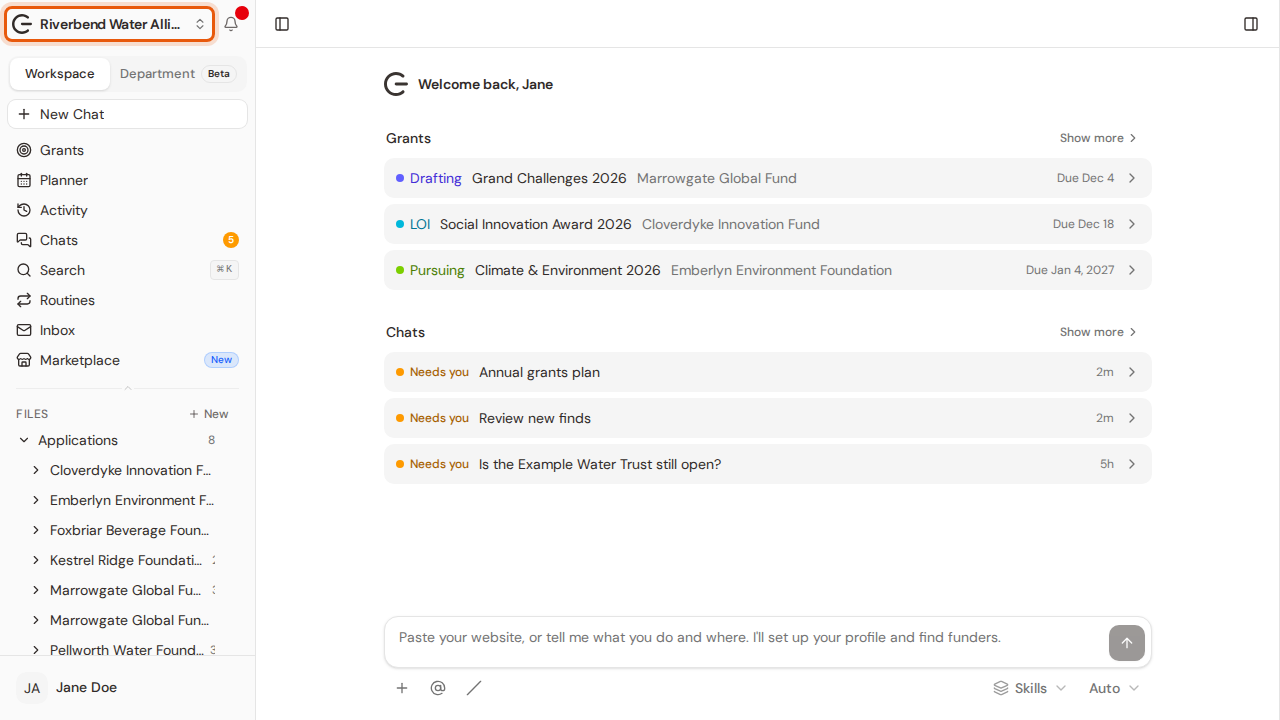
Step 2:You see every workspace you belong to, with its plan. Click the one you want.
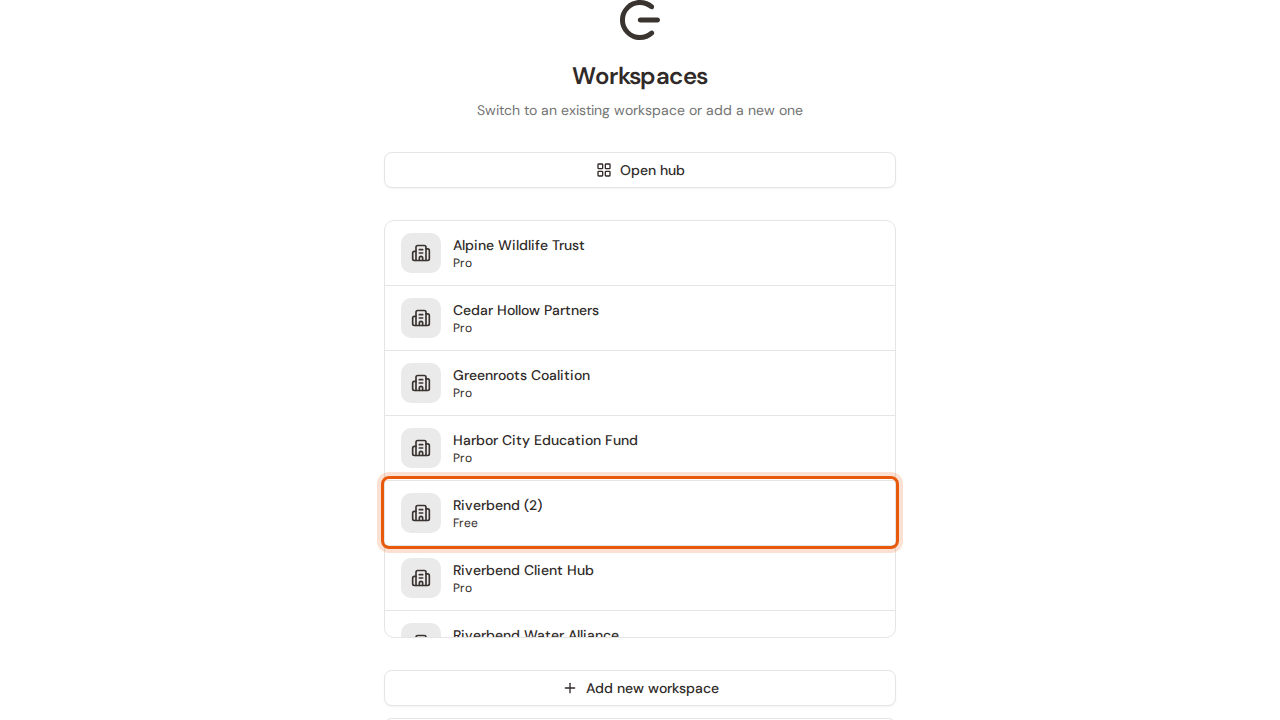
Step 3:Grantable opens that workspace, and the top of the sidebar now shows its name.