Invite a teammate
Add a colleague, board member or consultant to your account and choose what they can do. A picture for every step.
Last updated Nov 20, 2026
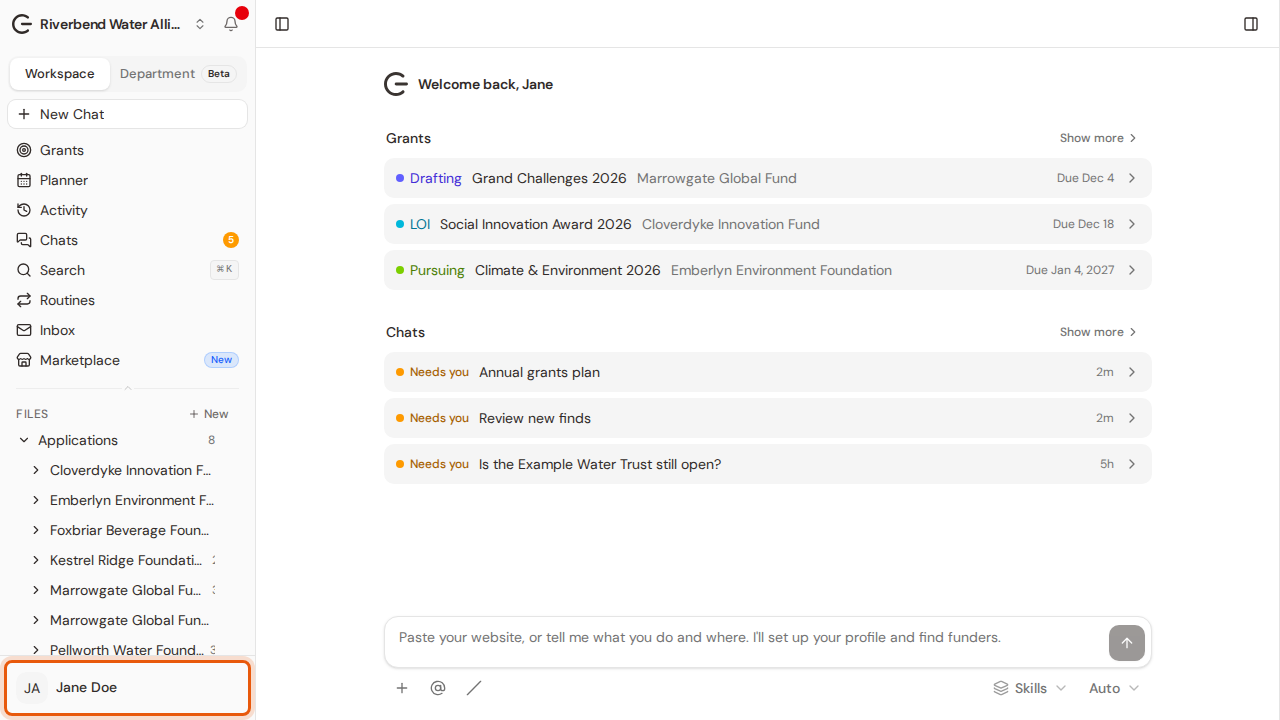
Step 1:Open your account menu at the bottom of the sidebar.
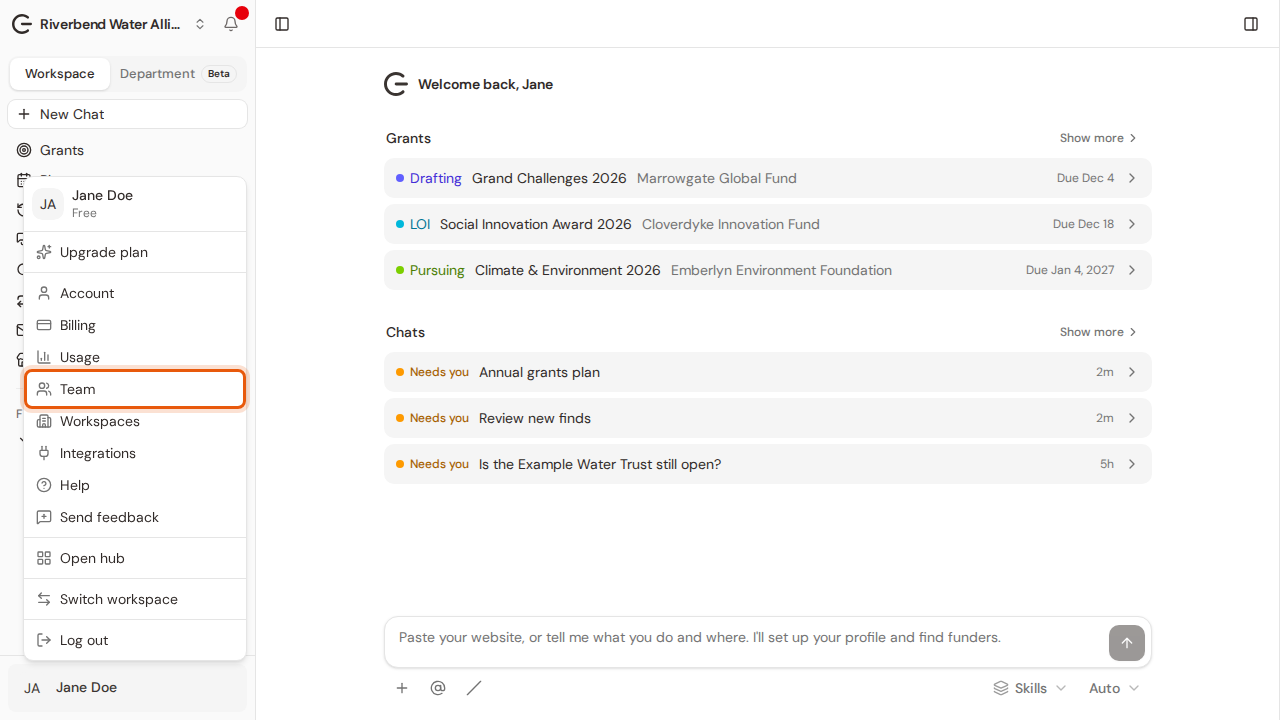
Step 2:Choose Team.
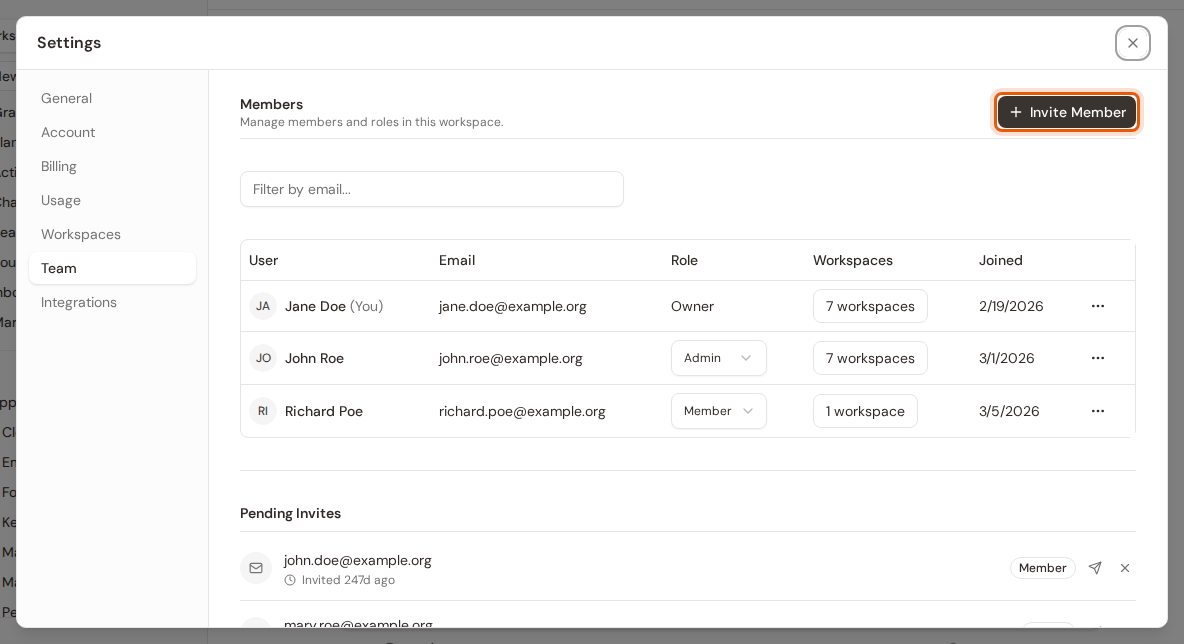
Step 3:Settings opens on the Team tab, which lists everyone in your account. Click Invite Member.
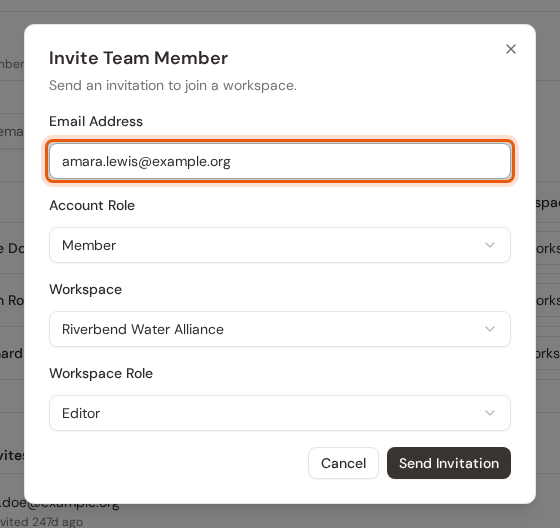
Step 4:Enter your teammate's email address.
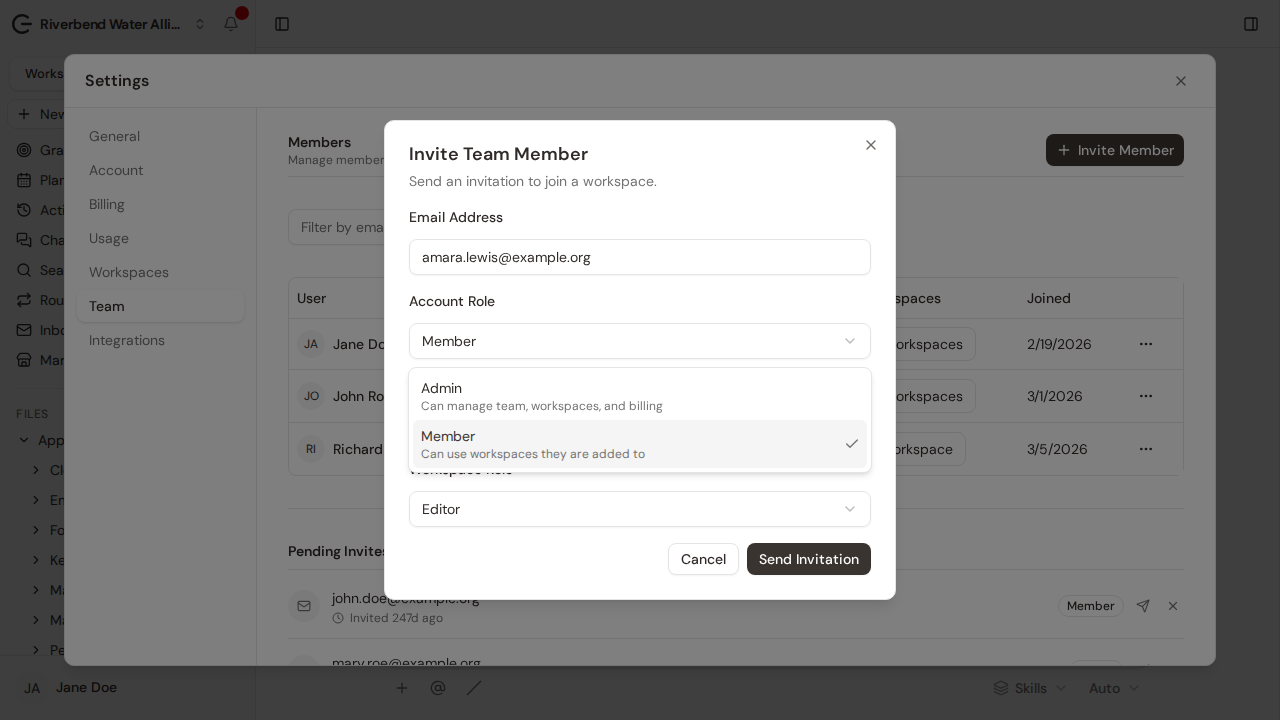
Step 5:Choose their account role: Admin or Member.
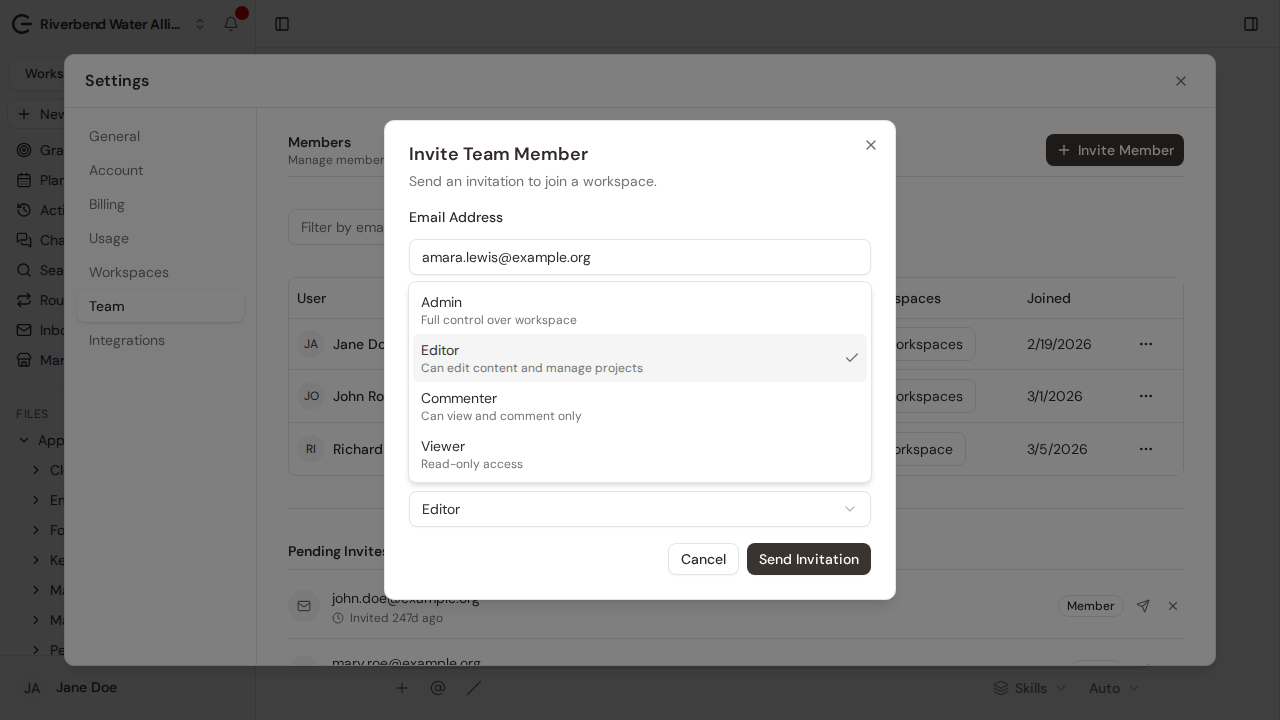
Step 6:Choose what they can do in the workspace: Admin, Editor, Commenter or Viewer.
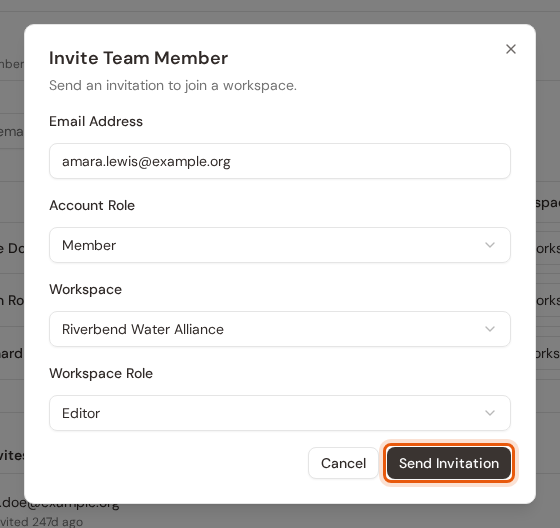
Step 7:Check the workspace they join, then click Send Invitation.
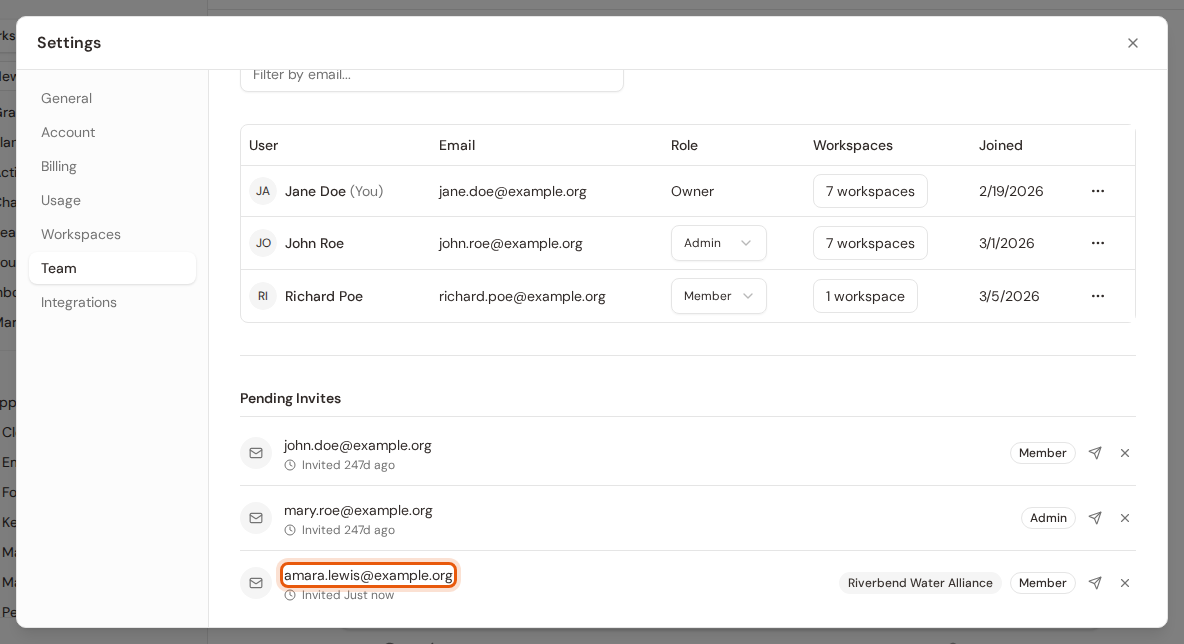
Step 8:They get an email invitation. Until they accept, the invite waits under Pending Invites, where you can resend or revoke it.