Change a teammate's account role
Make a teammate an Admin of your Grantable account, or make an Admin a Member again. A picture for every step.
Last updated Nov 20, 2026
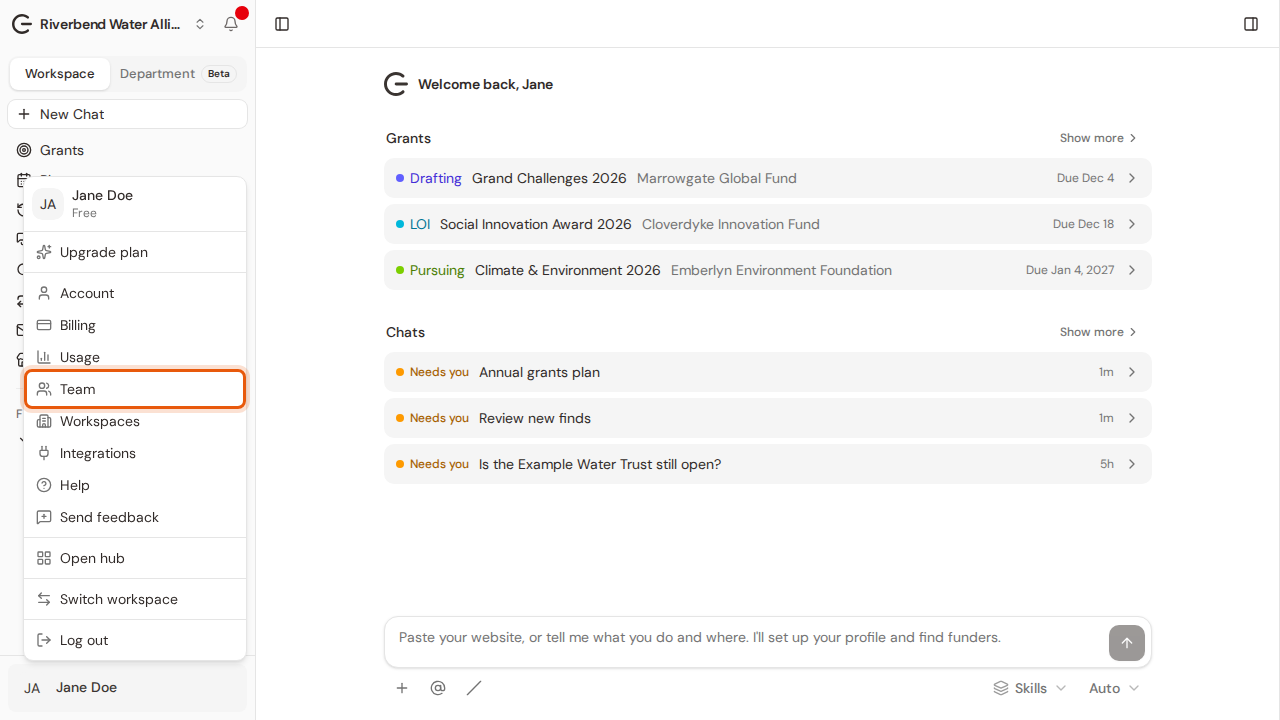
Step 1:Open your account menu at the bottom of the sidebar and choose Team.
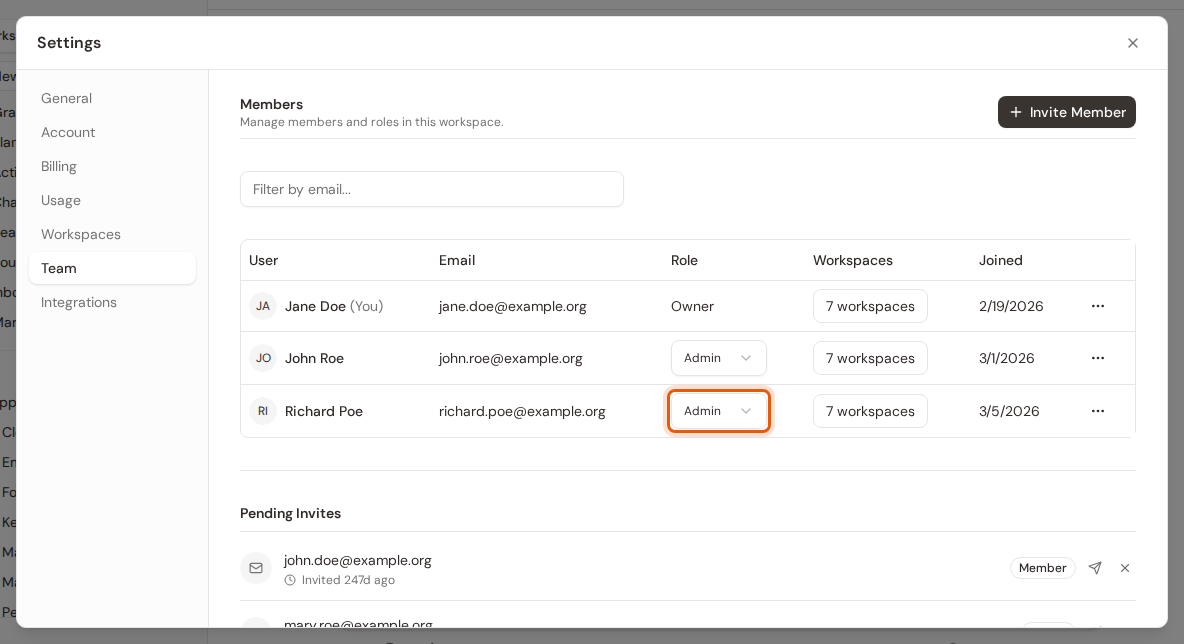
Step 2:Settings opens on the Team tab. Click the teammate's role in the Role column.
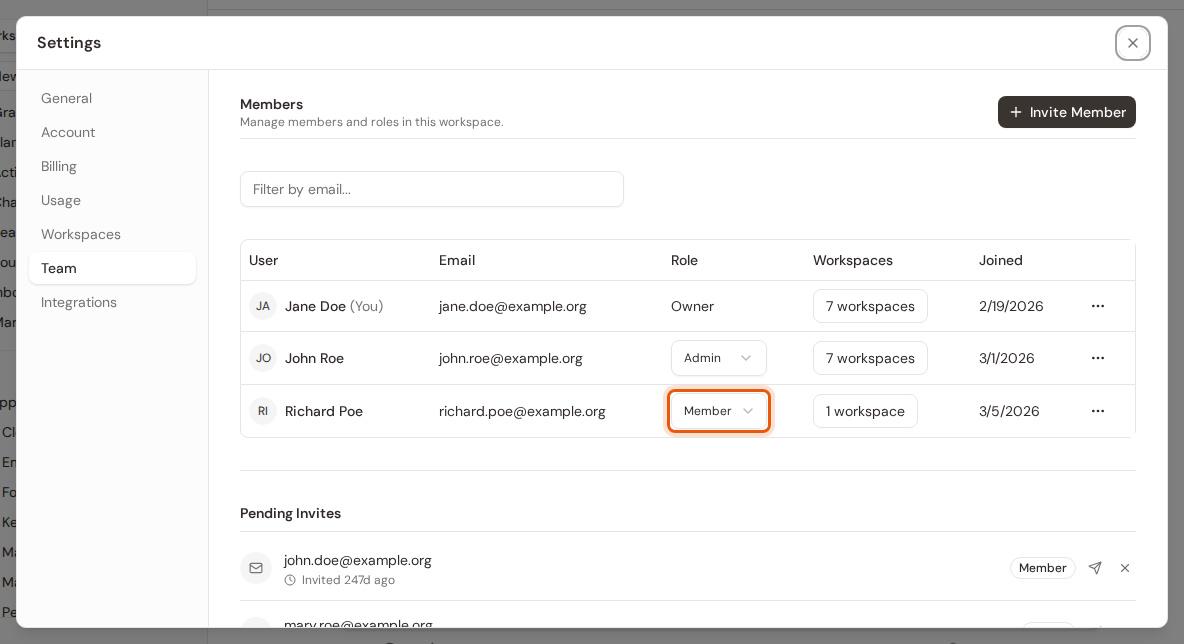
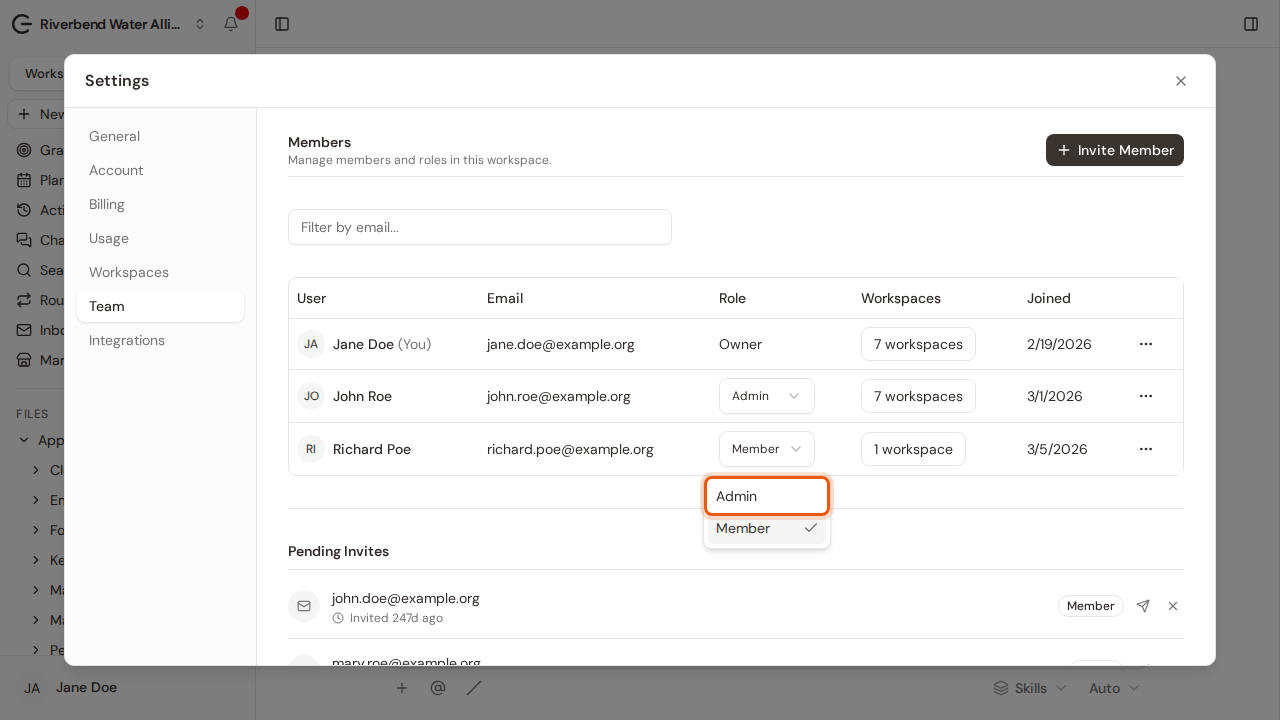
Step 3:Choose Admin or Member. Owner is not offered here.
Step 4:It saves straight away. Admins can invite people, manage workspaces and see Billing; Members cannot.