Find funders and work your list
Ask Grantable in chat to find funders, then search, sort and research them in Grants. A picture for every step.
Last updated Nov 20, 2026
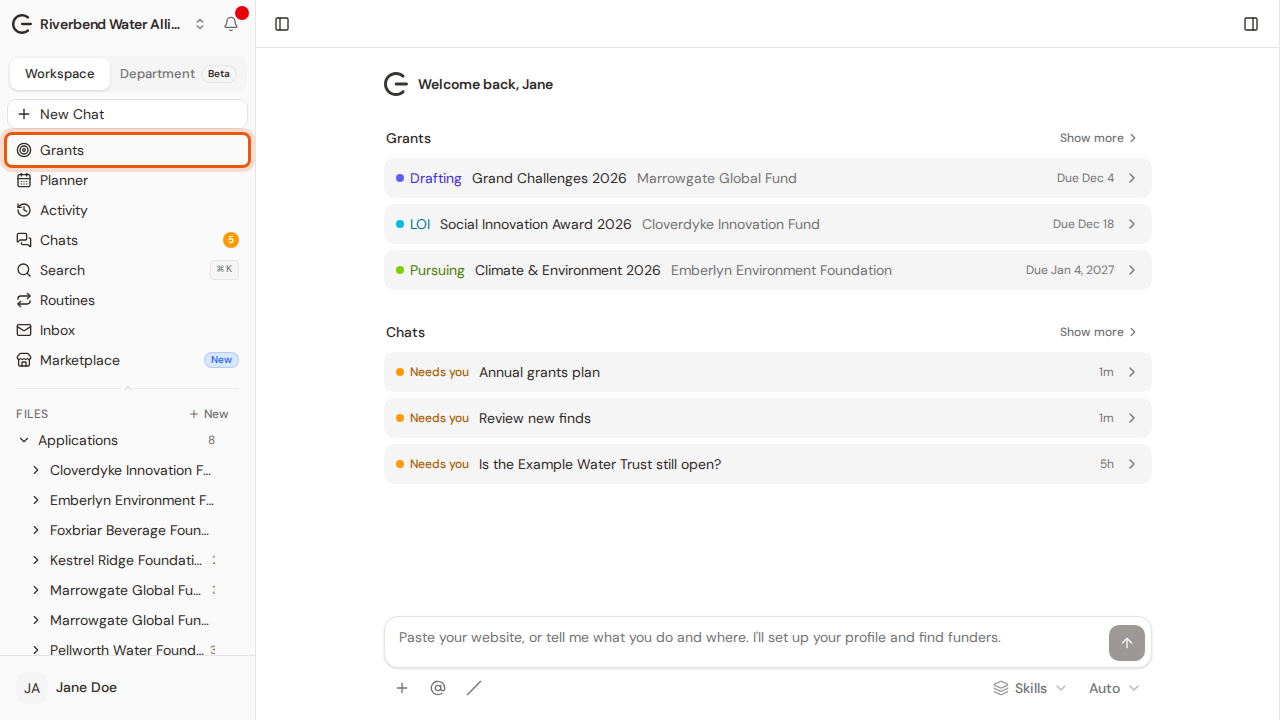
Step 1:Open Grants from the sidebar.
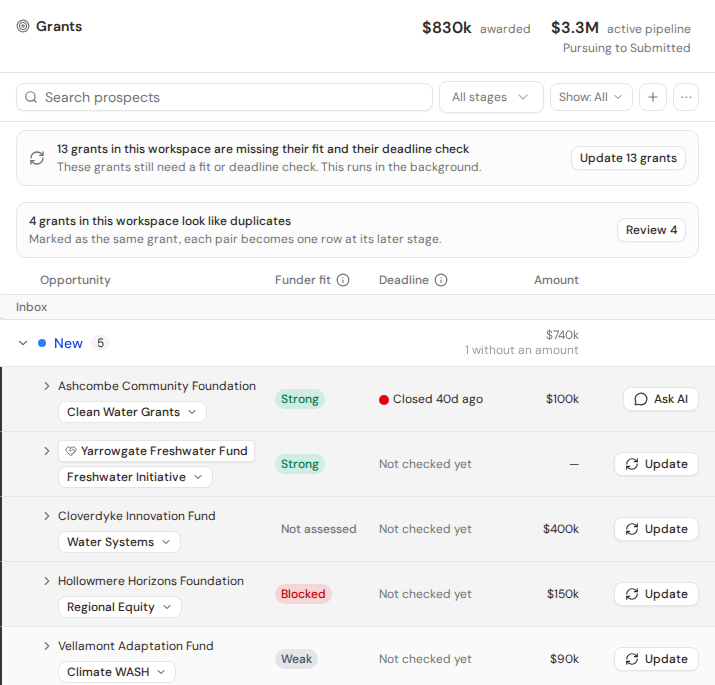
Step 2:Every funder Grantable finds for you is saved here, grouped by stage.
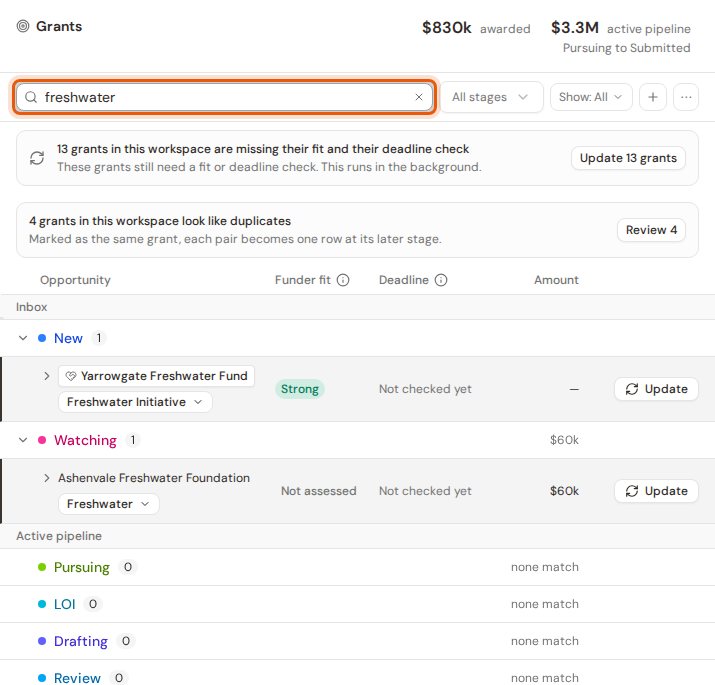
Step 3:To find one, type a name or a word in Search prospects.
Step 4:Click the arrow beside a funder to open its row and see the reason behind each of its fit scores.
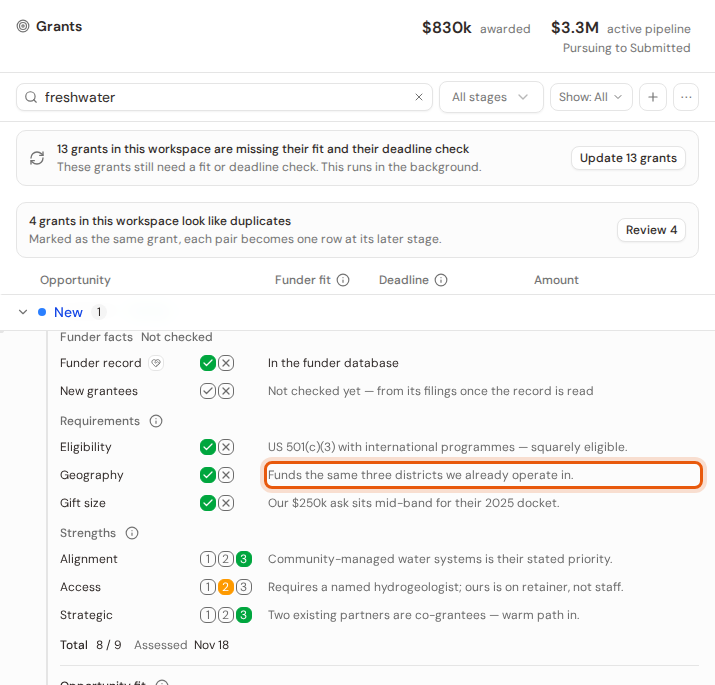
Step 5:Click the funder's name to open its profile.
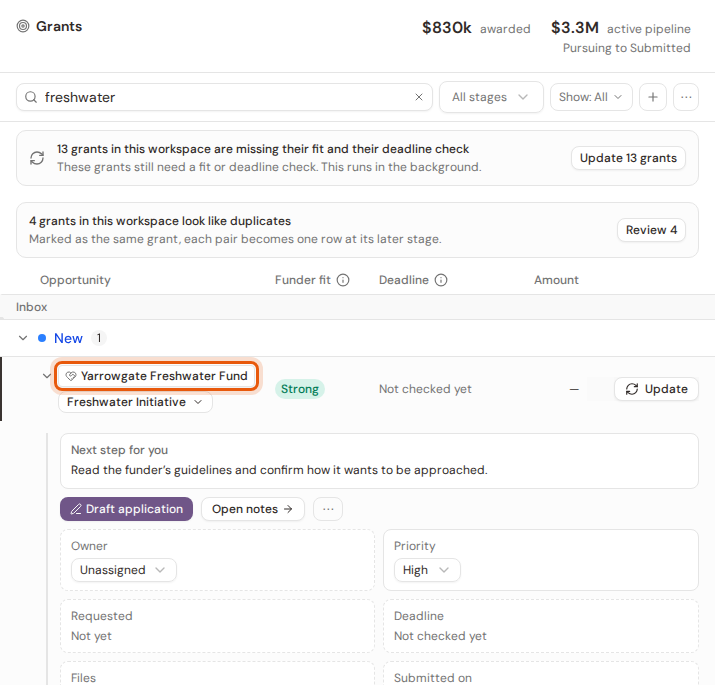
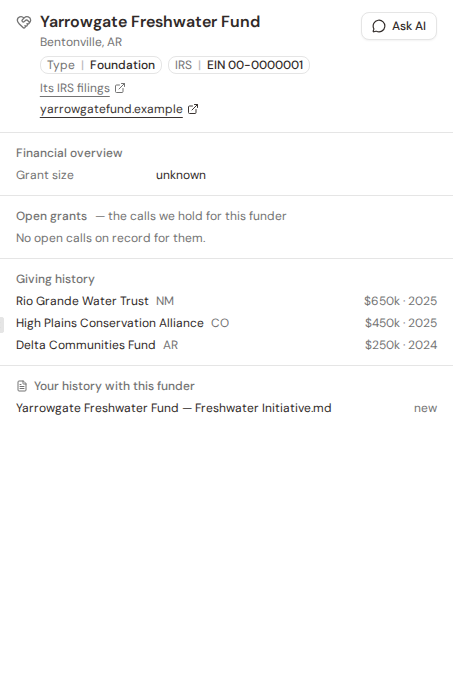
Step 6:The profile shows the funder's finances, its open grants, who it has given to, and your own history with it.